jpsilva
Apps, games, tools, sites, illustration
Apps, games, tools, sites, illustration

The humble, lovable, secretly powerful comic book script editor for Mac and Windows
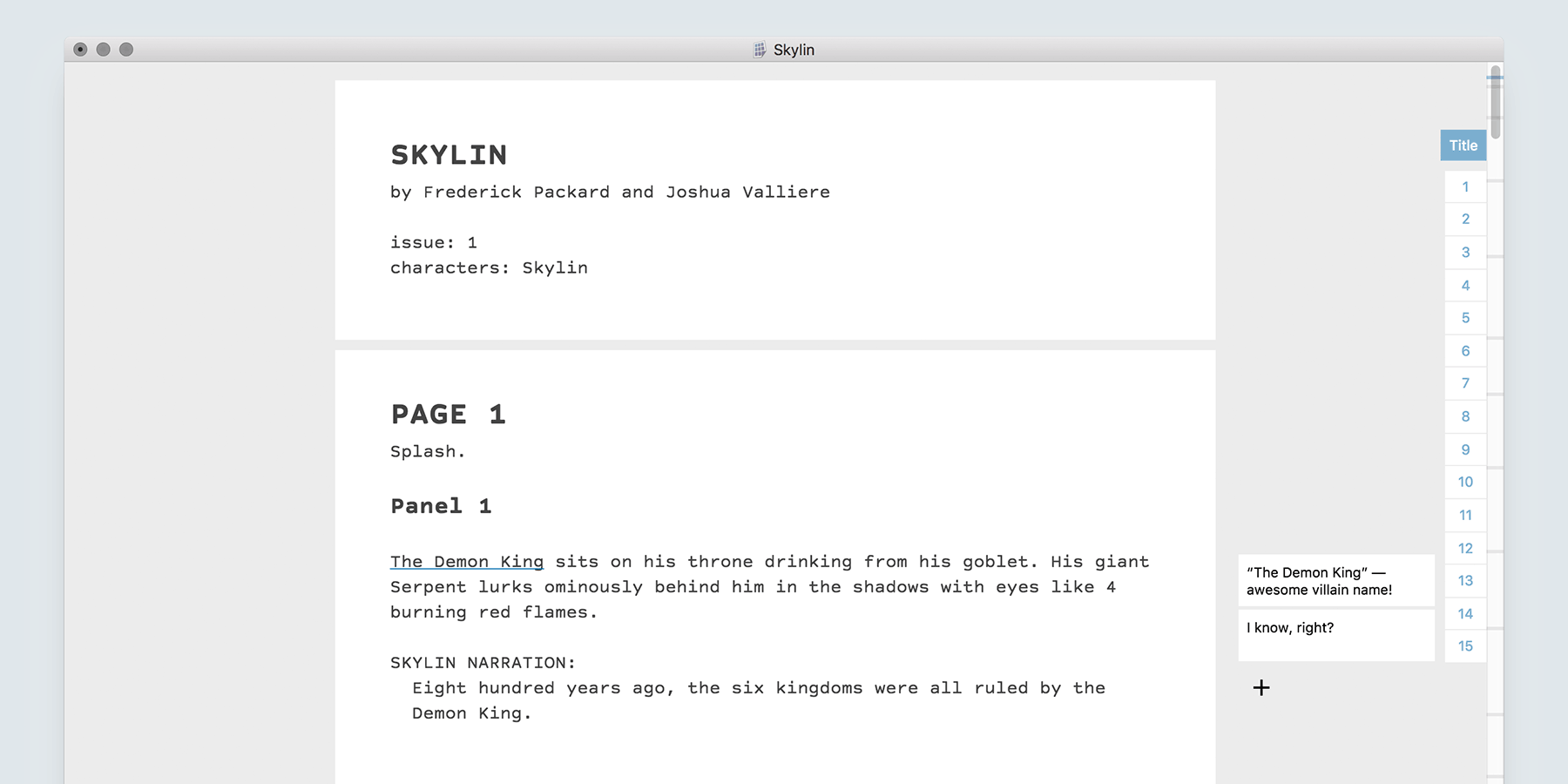
Superscript is the only text editor designed exclusively for writing comic book and graphic novel scripts. This simple, unassuming app is loaded with features:

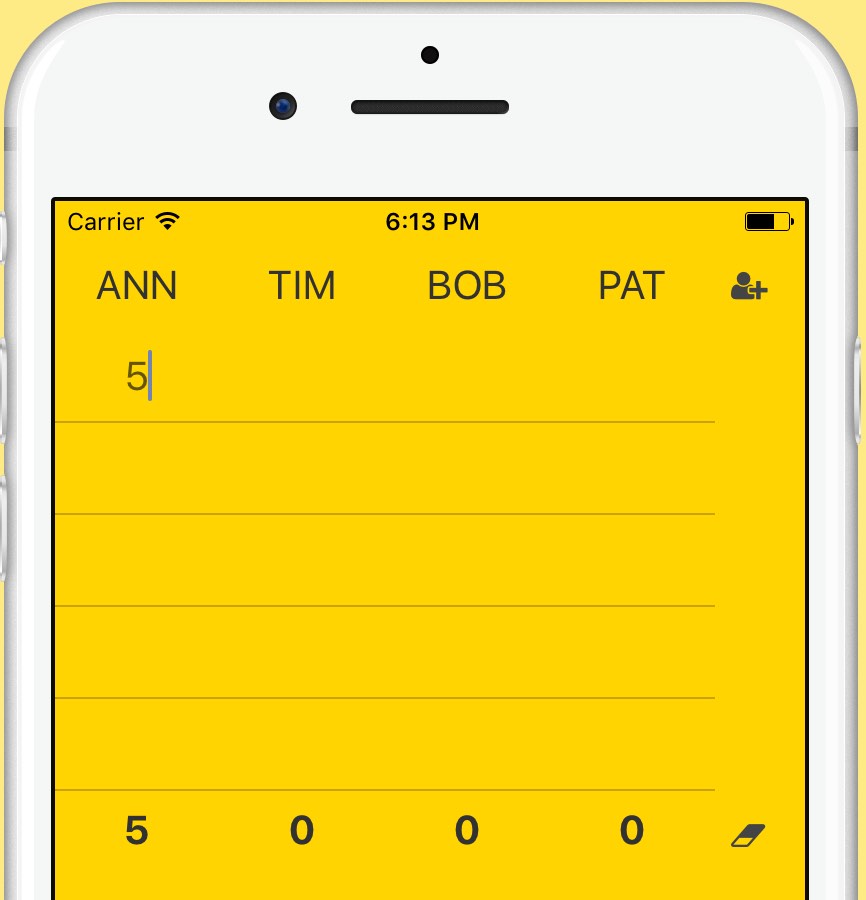
Simple scorekeeper app for Android and iOS.
Starting a card game but you don't have pen and paper? Maybe you're too drunk to add numbers. Keep this on your phone just in case.



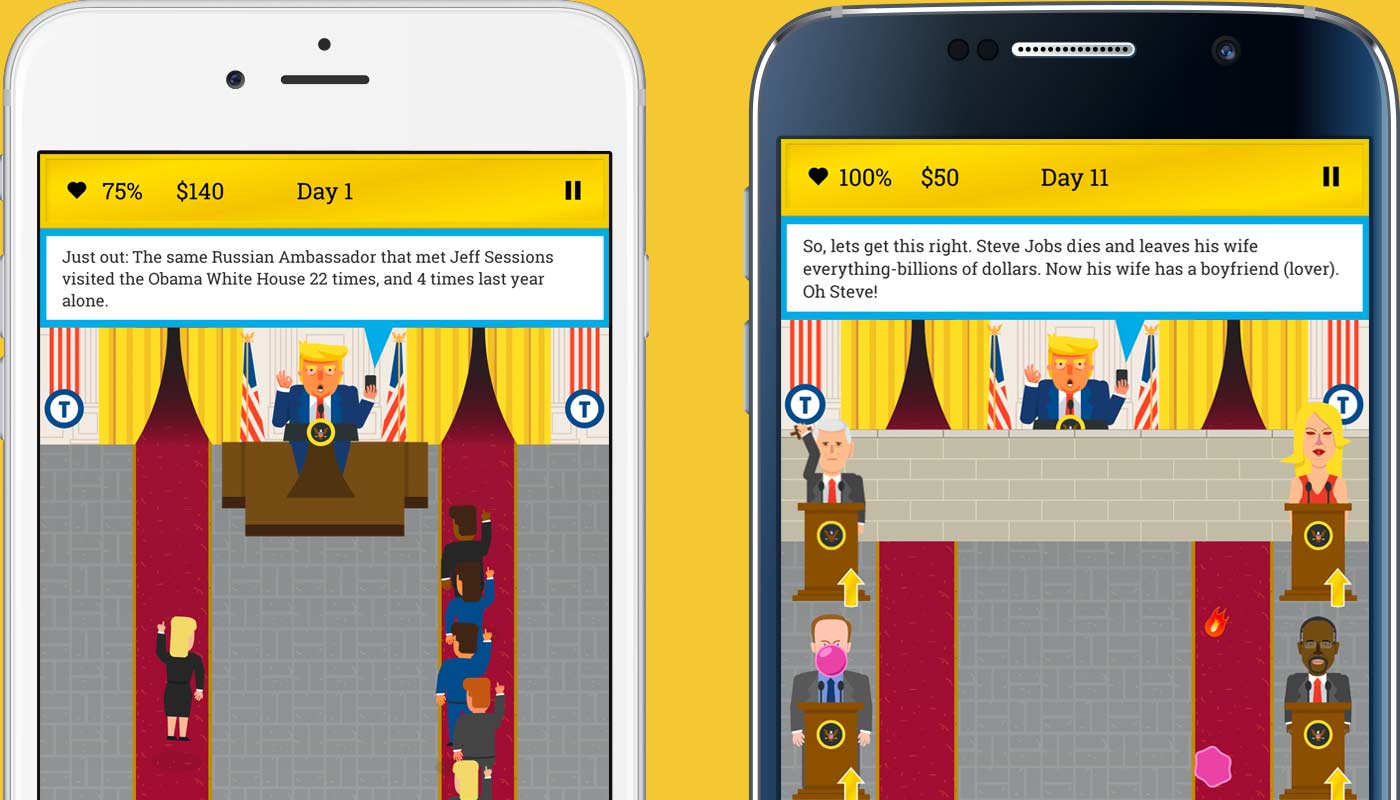
Trump tower defense
With 306 beautiful Electoral College votes, you're already the most tremendous American President of all time. Now you need to defend your historic approval rating from the FAKE NEWS! Distract them from your numerous scandals with ridiculous tweets and with the help of your cabinet of deplorables. How long can you last before being impeached?
Game design, UI, and game development by me, Justin Paul Silva. Character and background illustration by Isaac Durazo. Music by Ozzed, used with permission.


Yet another node task runner.
Simple library for compiling your front-end files. There's no messy configuration like with Grunt and no awkward conventions like with Gulp. No plugins required to get your favorite precompilers to work. Just write plain Javascript. You can handle files using streams, promises or plain strings. However your precompiler works, Genome can handle it.


Run a static web server from any directory in your project.



There are many static server packages for Atom, but for some reason, none seem to work. Even if they did, they don't have the flexibility I'm looking for. This package requires no setup and doesn't assume that you want to serve from just the root of your project.
Just right click on any directory in the tree view in Atom and choose "Serva > Start Server" to instantly start a static web server in that directory. It's that easy. It will even watch your files for changes and reload the server automatically.

Auto compile Slm files on save.



Despite it's lack of documentation for advanced features, Slm is my favorite HTML preprocessor. It's better than HAML, Jade and Slim. It's what I use to build this website. So I thought I'd make this easy templating language even easier to use.
Support, work, cool ideas: justin@jpsilva.com